
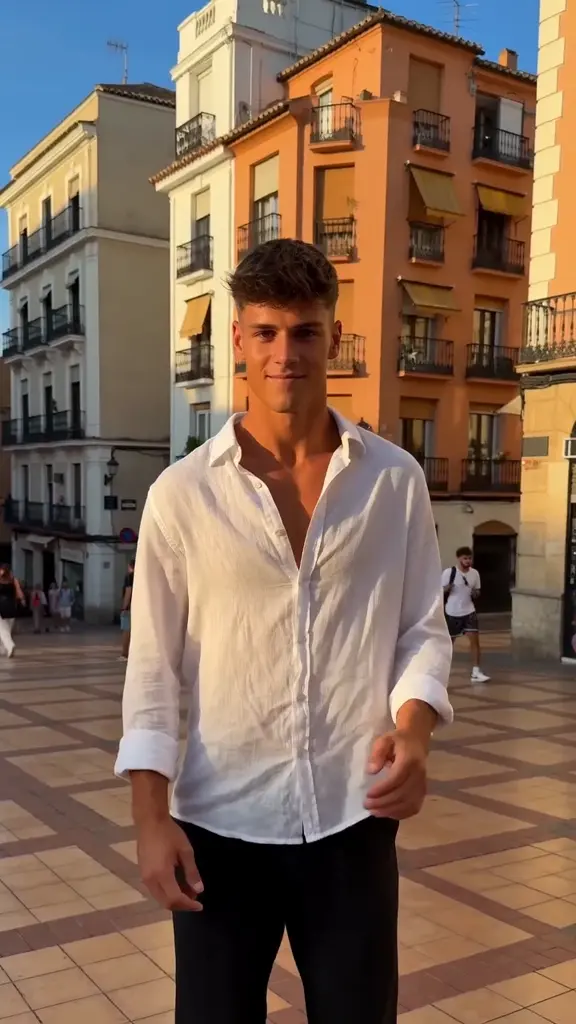
01
Plaza Shoulder Groove
Photo
Turn your photos into a shoulder dance or street freestyle inspired by the Dame Hombro trend associated with Bulin 47. Choose a solo, friends or pet scene and make a 15-second video at 720p, in 9:16 or 16:9, with generated audio.
One-time credit packs. No subscription.
Signed-in photos upload when selected. We correct orientation and resize large photos before uploading. No credits are used until you generate.
One portrait per labeled role. For three-person scenes, add the lead first, then viewer-left, then viewer-right. Supporting portraits are optional, but add the left portrait before the right; a right-only supporting portrait is not supported.
Sign-in required · 1 credit per video · Packs from $9.99
Choose your cast
Start with these 4 options, or browse all 14 scenes in the collection.
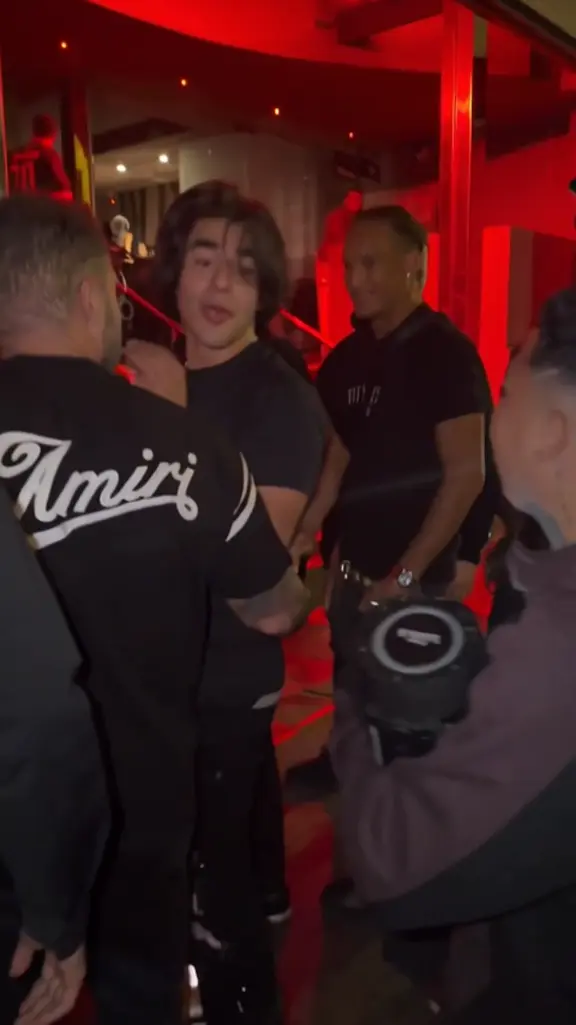
Make yourself the lead in a Dame Hombro-inspired dance outside a red-lit venue. This template starts with one adult portrait and requests a new scene of shoulder bounces, claps and gestures toward a small crowd. The current output is a 15-second video at 720p, with generated instrumental and ambient audio. Choose vertical 9:16 or landscape 16:9 in the generator. The example introduces the mood; your photo supplies the person who takes center stage.
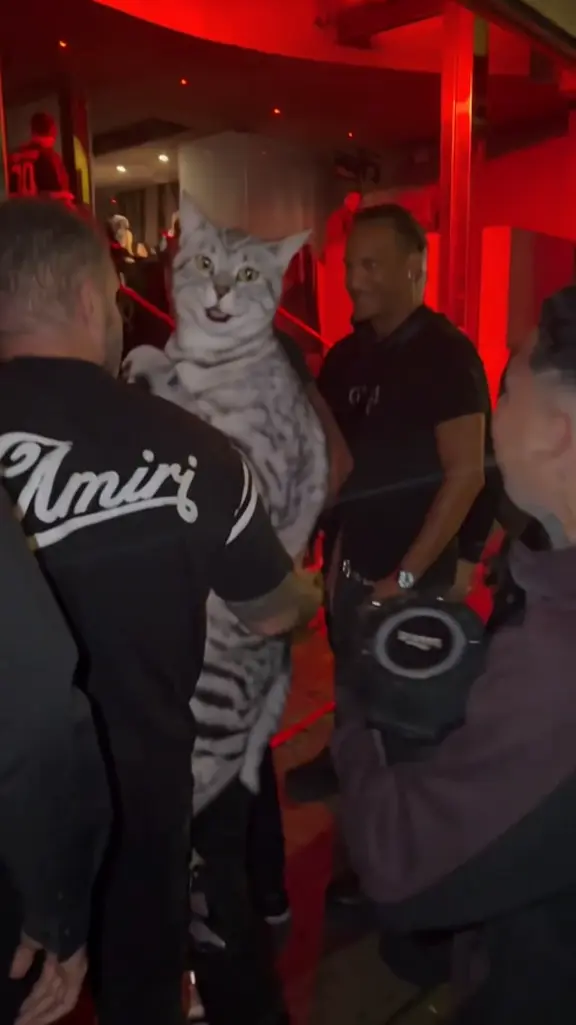
Give your cat or dog the lead role in a playful street freestyle. The default preview shows the cat scene; two separate dog presets offer crowd freestyle and a blue-bandana groove. Each uses one animal photo as its identity reference.
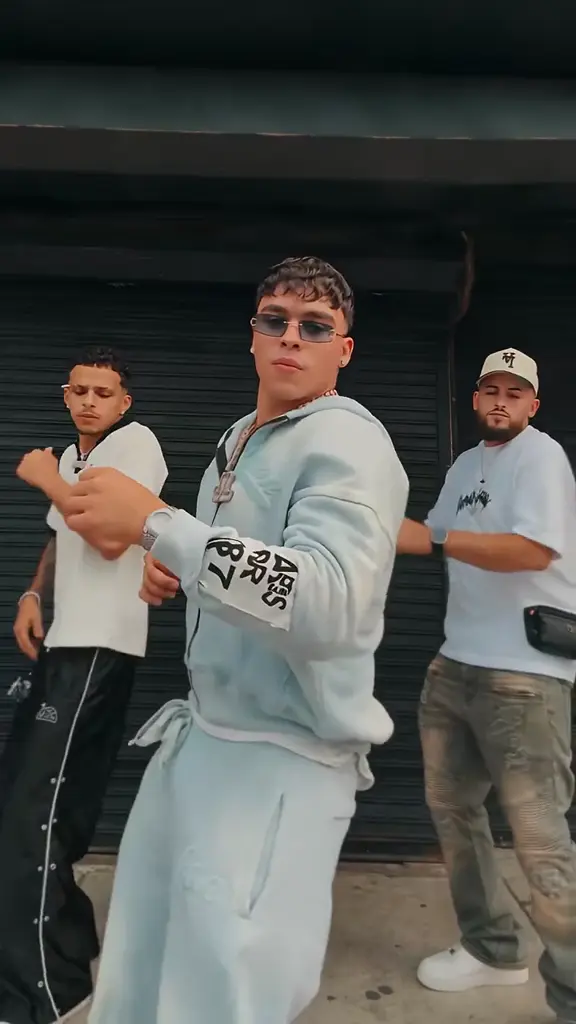
Give each person their own role in one clip. Use a lead portrait plus optional left and right portraits to build a three-person performance instead of uploading a single group photo.
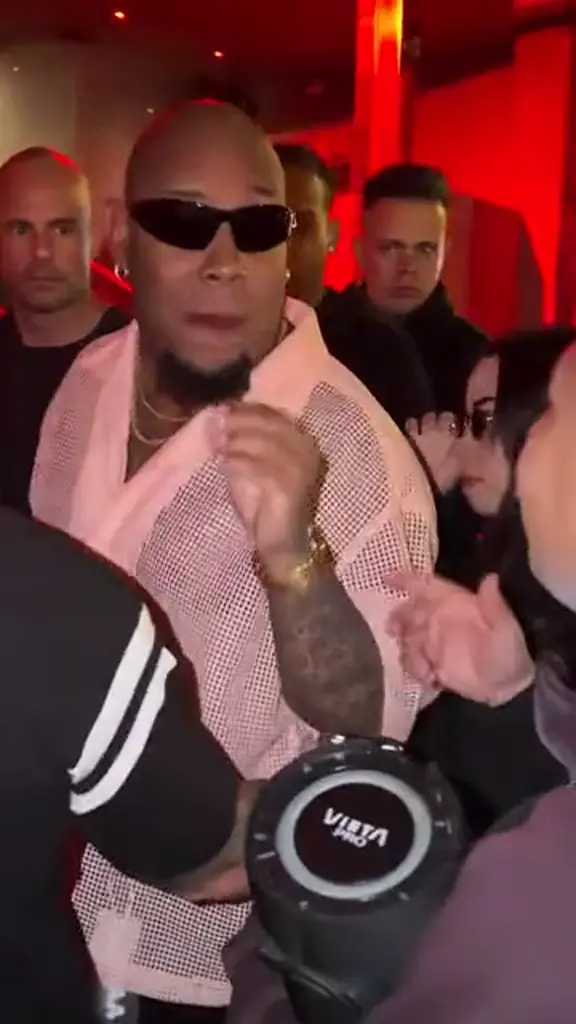
Put yourself at the center of a red-lit night scene with an expressive, shoulder-led performance inspired by the Bulin 47 freestyle trend. Upload one adult portrait and this preset asks for a new scene built around your face, hairstyle and clothing. The current output is a 15-second, 720p video with generated audio, in portrait or landscape format. You do not need artist footage, a downloaded editor or an original song file to begin.
14 templates
These are reference clips with different lengths and soundtracks. New generations request 15 seconds at 720p with generated sound; they are not edits of the samples.
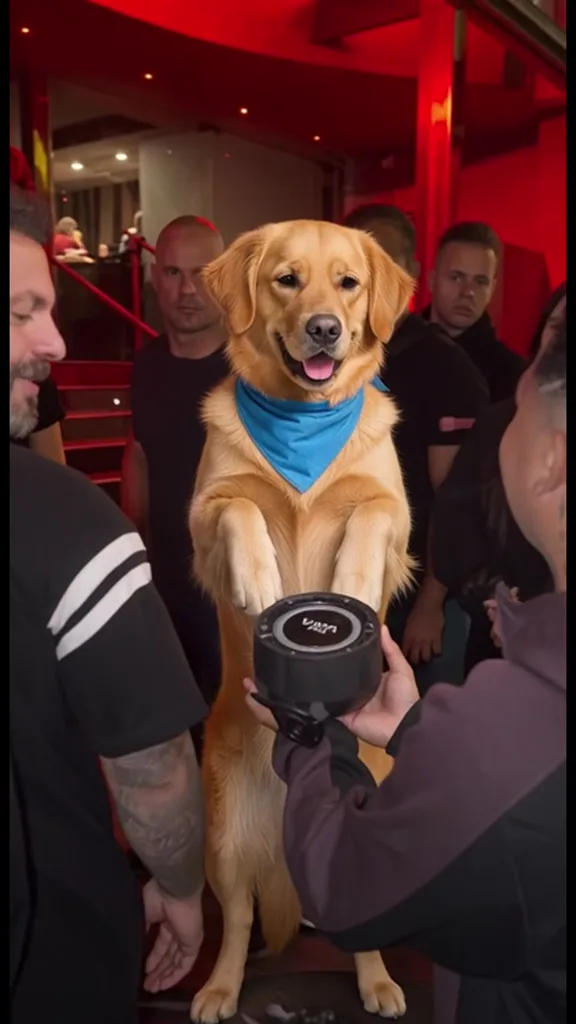
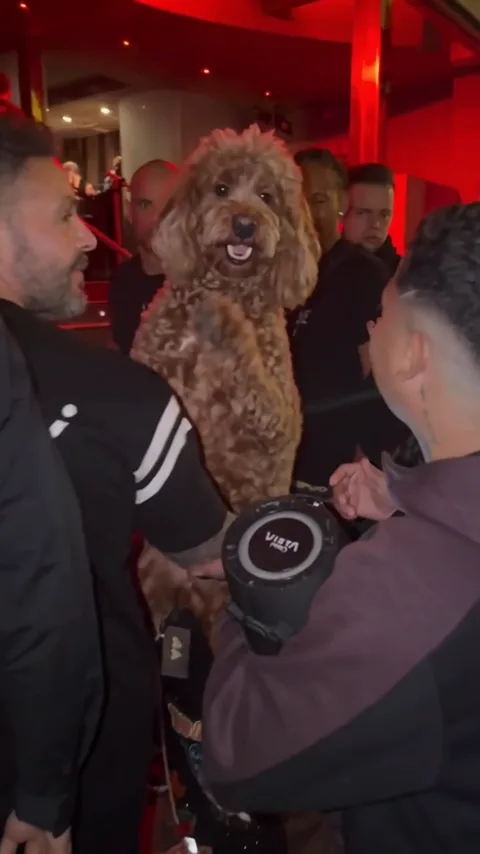
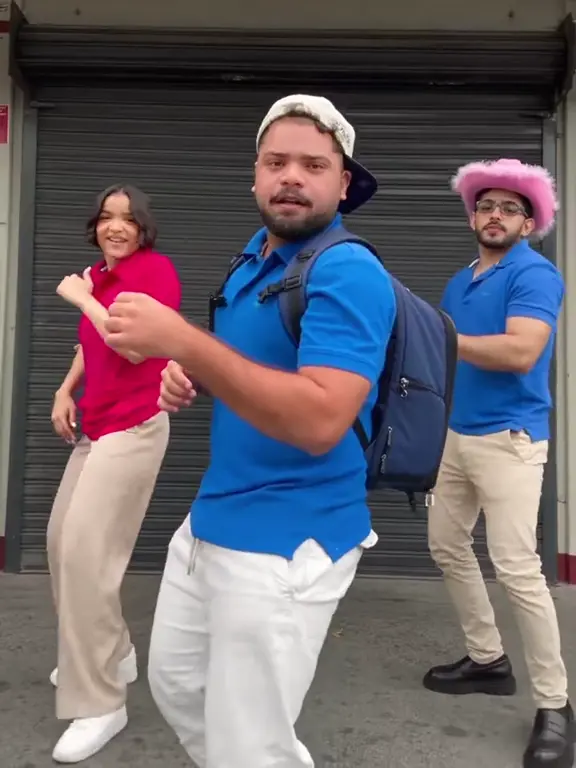
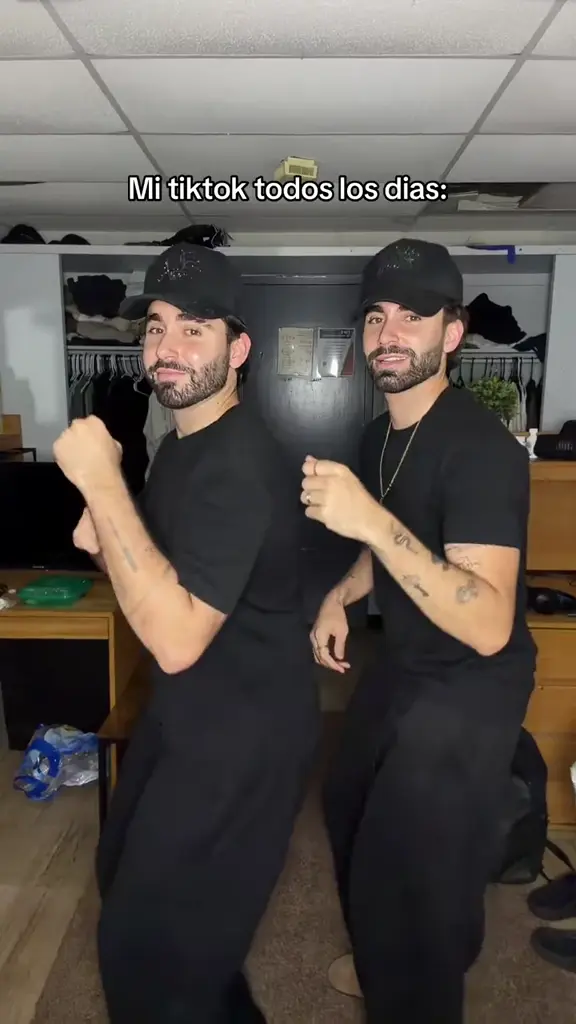
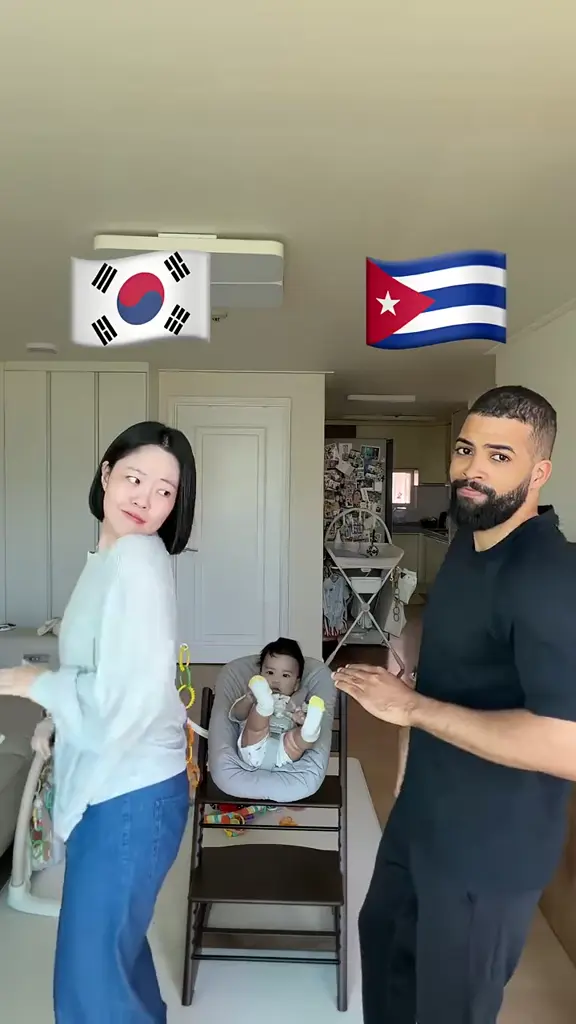
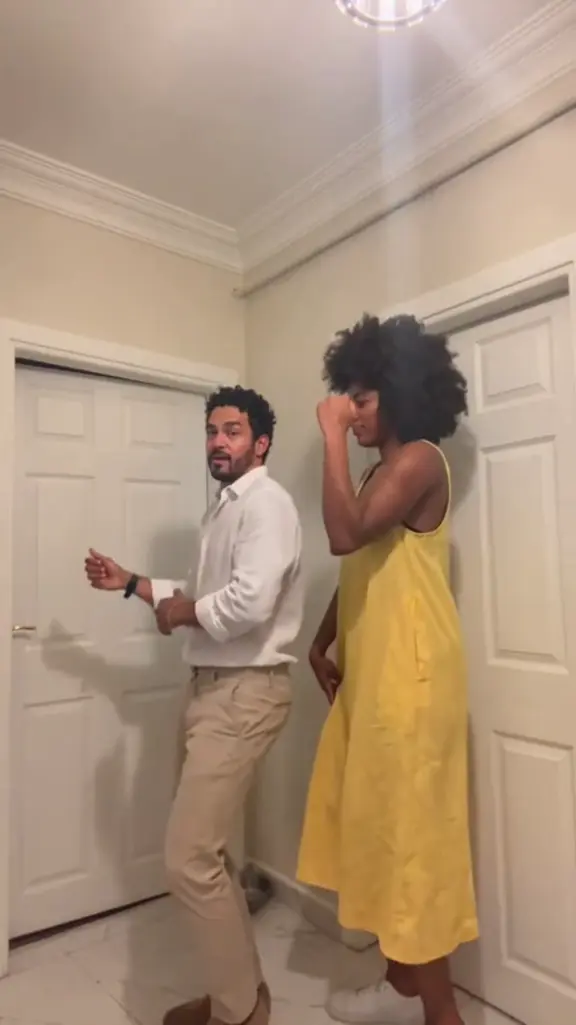
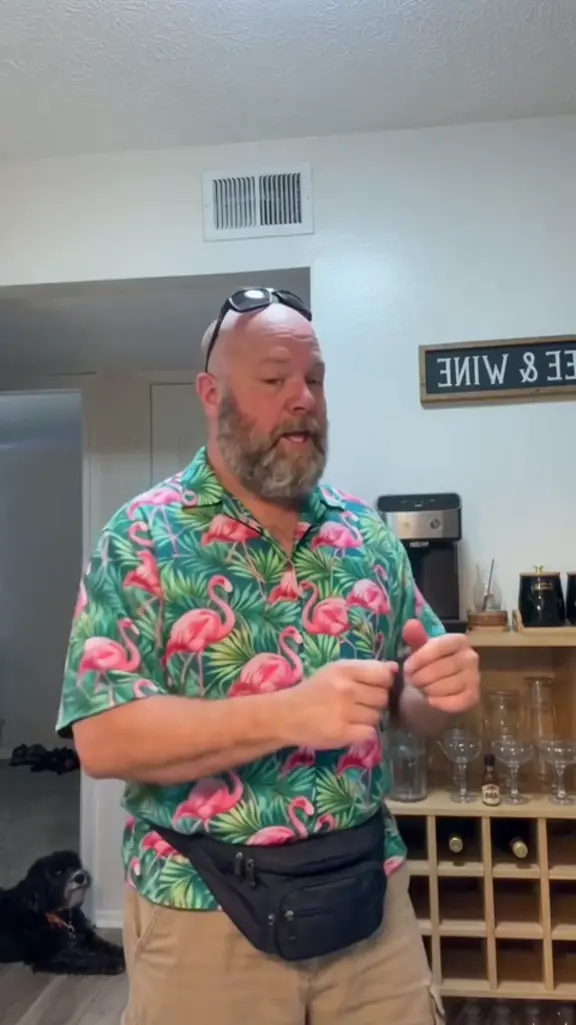
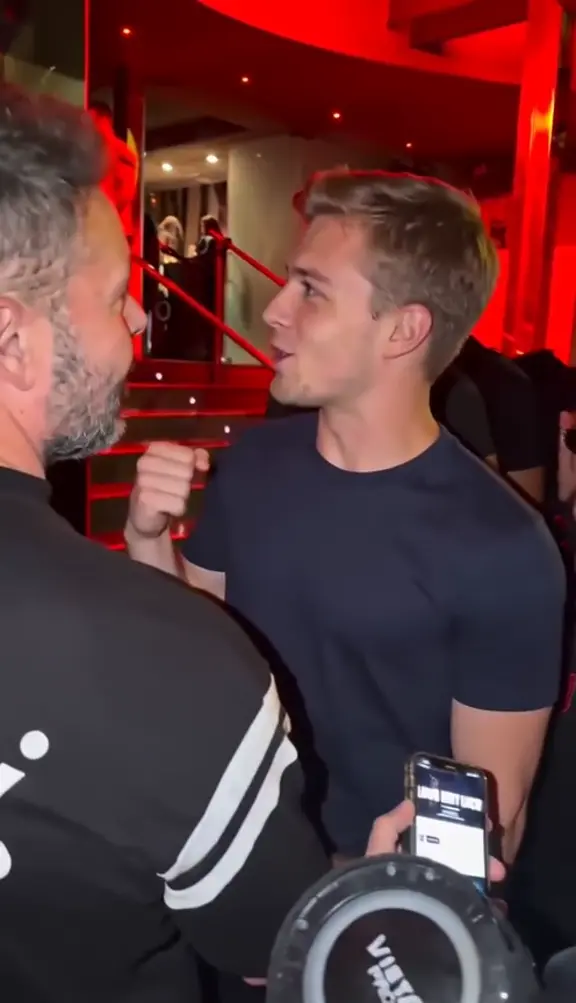
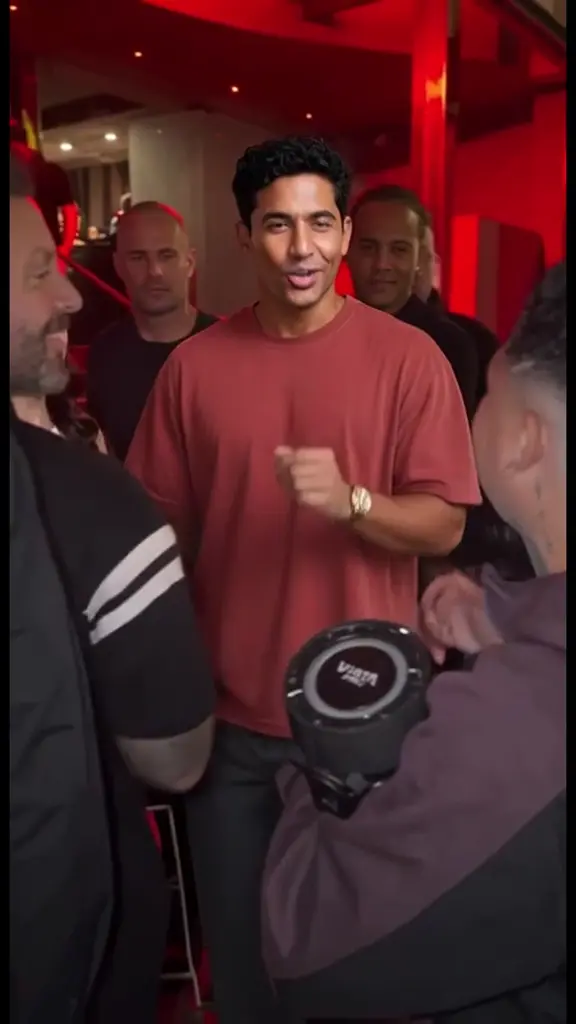
Supplied reference clips, not customer results. Sample duration and audio vary; new clips request 15 seconds with generated audio.
Try it with your photosCompare the 14 scene references and choose 9:16 or 16:9. Your template sets the location, cast positions and movement.
Sign in and add a photo for each required role. Pairs require two portraits. Three-person scenes allow optional supporting portraits, ordered center, left, right. Press Generate when ready.
Open My videos to review the finished performance. Download the MP4, add your own caption and identify it as an AI creation when you publish.
Ideas
A small reason to make a clip helps you choose the cast. Explore ideas for greetings, celebrations and shared jokes.
Give two willing friends their own places in a coordinated indoor dance.
Make a playful birthday dance from a recent portrait and send it with your message.
Use your own fan group for a light-hearted post-match clip, without casting athletes or public figures.
Put your cat in the crowd with its own paw gestures. Use a photo showing clear eyes and coat markings.
Choose a three-person routine for adult relatives, placing the lead first and the others left and right.
A sunny plaza, a red-lit crowd and an indoor dance each create a different mood. Preview the actual reference clip first.
Solo scenes take one photo, pairs need two, and three-person scenes let you add two supporting dancers. Cat and dog scenes have their own photo slots.
A clear face and visible upper body help the model interpret your subject. Use separate images for different people.
The prompt describes the scene and action, while the model generates fresh frames and sound. Review the result before sharing.
The format guide explains how these photo-and-prompt templates differ from editing an existing dance video.
A sharp portrait in soft daylight is a useful starting point. Keep the face unobstructed and choose a separate image for each labeled role.
The photo guide covers framing, glasses, groups and pets in detail.Skip group crowds, strong beauty filters and pictures where a hand, hat or deep shadow hides the face. Only use adults who have agreed to appear.
The model is asked to create a new rhythmic instrumental and ambient sound. Reference clips may contain audio or be silent; their original audio is not copied into your generated video.
Watch the result with sound, confirm the cast agrees to sharing and apply an AI-generated label when posting.
Video packs
One video costs one credit, whichever template you choose. Every pack is a one-time payment and unused credits never expire.
One finished clip, ready to post.
Enough to try a few templates on the same photos and keep the best take.
A clip for every friend, pet and teammate, with credits left over.
Every pack: 1 credit = 1 video in any template and size (15 seconds, 720p), downloadable as an MP4. Failed generations return their credit, and unused credits never expire.
See the video packsEach generation uses one credit. One-time packs cost $9.99 for 1 video, $19.99 for 3 or $29.99 for 5; unused credits never expire. See pricing for details. A failed generation returns its credit automatically.
You receive a 15-second MP4 at 720p with generated audio. Choose portrait 9:16 or wide 16:9 before starting; either uses one credit. Follow the creation guide to review and download your result.
Yes. The pet templates include one cat scene and two dog scenes. Choose the matching species and upload one clear photo showing the face and fur markings. Read the photo guide before uploading.
No. The service is for adults, and every person shown in an uploaded photo must be at least 18. The photo guide covers consent and suitable portraits.
Use your own photo or an adult who has agreed to appear and to the intended sharing. Do not upload celebrities or public figures. Try the friends template with consenting adults, and check About for the service scope.
No. Dame Hombro AI is independently operated and has no affiliation with Bulin 47, Kevin Wai, NPR, Tiny Desk Concerts or their rights holders. See About for the scope of this service.
After the request is accepted, you can return to My videos later. Processing depends on provider load. Check the existing task before submitting another request; the creation walkthrough explains how to follow a generation.
Use two separate portraits, with the viewer's left performer first and the right performer second. Both are required. For lighting and cropping advice, read the photo checklist.
Watch the entire video with sound, confirm everyone pictured agrees to sharing, and label it as AI-generated. Personal use is subject to our terms and the platform's rules. The ideas guide suggests ways to give your clip context.
Each template generates a new interpretation from your photos and a written scene-and-motion prompt. Timing, likeness and details can vary; the original soundtrack is not copied. Read the format guide or explore the freestyle template.
Pick a dance or freestyle scene, add your photos and create a fresh interpretation.
Start with your photos